Photo calorie estimates
Are AI Calorie Counting Apps Accurate?
Are AI calorie counting apps accurate? Studies show photo estimates run from close to a lab value to hundreds of calories off.
Guides
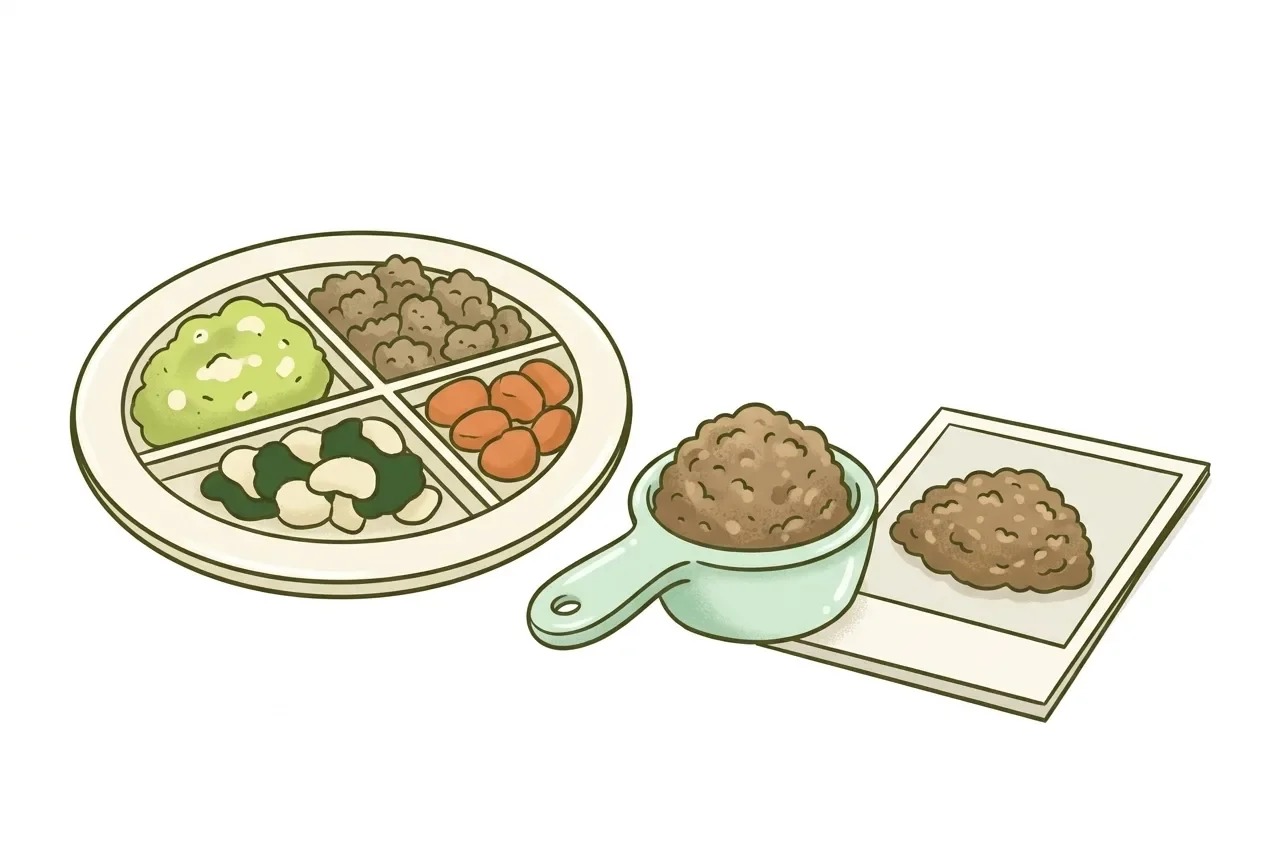
AI calorie counters work by reading a photo in three stages: find the food, name it, then estimate its volume and convert that to calories. No stage looks the food up in a database of measured foods. Each stage carries its own error. None of them can see oil, sauce, or the exact weight on a plate.
That is different from typing a food into a search bar, which pulls a pre-measured calorie value someone already recorded. A photo estimate is a guess built entirely from pixels. It is checked stage by stage below.
Recognizing a food and knowing its calories are two separate problems. Only the first one is close to solved.
A 2022 systematic review of mobile food-vision apps, published in Healthcare (Basel), lays out why. It found that 90.9% of the reviewed apps could not even separate the food from the plate, table, or background before trying to classify it (Amugongo et al., 2022). If the system cannot cleanly isolate the food first, everything downstream inherits that error, including the label and the portion size.
So the obvious shortcut, "the AI sees a burger, therefore it knows the calories," skips the two hardest steps. How big is the burger, and how much oil is in it? Those questions cannot be answered from recognition alone.
The first stage is segmentation: picking out which pixels are food and which are plate, table, or hand.
The second stage is classification. This step matches the segmented region against a food category. An example category might be "grilled chicken breast" or "steamed rice." The Healthcare systematic review names segmentation and classification as the first two stages of the pipeline used across the mobile vision apps it reviewed, before any calorie number appears (Amugongo et al., 2022).
A concrete example of this stage is a food-scanner prototype built at NYU Tandon. It is described in a 2025 university news release on research presented at the IEEE International Conference on Mobile Computing and Sustainable Informatics. It detected and identified food items across 214 categories with a mean average precision of 0.7941, described in the release as roughly 80% accuracy at locating and identifying food in an image (NYU Tandon, 2025).
That 80% figure describes only this step: finding and naming the food. It says nothing yet about the amount on the plate.
Once the food is identified, the system has to guess volume from a two-dimensional image, which is the harder problem.
The Healthcare review reports two named methods and their measured error. A depth-sensing smartphone method had an absolute volume error of 35.1 g, with a standard deviation of 42.8 g, roughly 14% of the estimated portion (Amugongo et al., 2022). A separate single-view method used quadratic curve estimation from the food's 2D size. It carried a 21.3% error in the resulting calorie estimate (Amugongo et al., 2022, citing Okamoto and Yani, 2016).
Both numbers describe the academic systems the review studied, not any specific commercial app. They illustrate the same point: turning a flat photo into a weight in grams is an estimate, not a measurement. The error compounds with whatever mistake happened during segmentation.
This is also where camera angle, lighting, and visibility can change the answer, since the system has no independent way to check its own guess.
A photo shows the surface of a dish, not what went into cooking it. Butter stirred into rice adds calories the camera never registers. So does oil a chicken breast was fried in, or a sauce mixed through a stew. The AI can only reason about what appears in the image.
This is also why the 90.9% food-versus-background limitation matters so much. A system that struggles to separate food from a plate has little chance of separating a visible ingredient from a hidden one (Amugongo et al., 2022). The photo is the only input. Anything not visible in it is invisible to the estimate.
A photo estimate is not a database lookup. It comes from the vision model reading the image directly, identifying the food and estimating its portion, calories, and macros from what it sees. It does not match the photo against a table of pre-measured foods.
A database lookup is a different, older method. Searching "grilled chicken breast" in a food database returns a value someone already measured or a brand already printed on a label. USDA FoodData Central separates its entries by how they were produced. Foundation Foods come from laboratory analysis of commodity samples and are updated twice a year. SR Legacy is older analysis-derived data last updated in 2018. Branded Foods are the calorie and macro values brands print on their own labels, updated monthly (USDA FoodData Central).
Those numbers were measured once, in a lab or on a label, then stored. A photo estimate is calculated fresh from an image every time, with no stored measurement behind it.
The table below is illustrative: the percentages are invented to show how three independent errors compound, not a measured result for any product.
| Stage | What can go wrong | Illustrative error | Effect on a 500 kcal true value |
|---|---|---|---|
| Segmentation | Food not cleanly separated from plate or background | 10% | 500 to 450 or 550 kcal |
| Classification | Wrong food or preparation guessed | 10% | Further 45 to 55 kcal shift |
| Volume estimate | Portion size misjudged from a flat image | 15% | Further 60 to 82 kcal shift |
Start at a true value of 500 kcal for a plate of food. If segmentation alone is off by 10%, the number the system carries forward sits somewhere between 450 and 550 kcal. That happens before classification or volume estimation even run.
Each later stage multiplies against whatever the previous stage handed it, rather than starting fresh from the truth. That is why a single combined "accuracy" percentage hides more than it shows.
The real error is three separate guesses stacked on top of each other. Two sourced ranges show what this looks like in practice. A depth-sensing method carried roughly 14% volume error. A single-view quadratic curve estimation method carried a 21.3% calorie error (Amugongo et al., 2022, citing Okamoto and Yani, 2016). Both sit inside that same stack, for the specific academic systems each was measured on.
A barcode scan or a manual search retrieves a number that already exists: a lab measurement or a label value stored in a database like USDA FoodData Central (USDA FoodData Central). The system does no estimating at all. It just matches an identifier to a record.
A photo estimate has no identifier to match. The AI has to infer the food, its preparation, and its portion, all from pixels, then calculate a number that did not exist anywhere until that photo was taken. That is a fundamentally different task, with a fundamentally different source of error: guessing versus retrieving.
Mixed dishes add a further difficulty. The food-versus-background figure above points to why: a single visible food, like a whole apple, gives the classification stage one clear target to segment. A mixed plate, rice under sauce under a stray vegetable, has parts hidden behind other parts instead (Amugongo et al., 2022).
A reader can build a full homemade dish from its ingredients instead of photographing a single plate. The guide on how to count calories in homemade food adds ingredient totals and splits the result into servings, rather than estimating from an image.
Because the estimate is a first guess, not a final answer. Only the person looking at the actual plate knows what the camera could not see.
Avocalo works this way. A user photographs a meal, and an AI vision model identifies the foods and estimates portions, calories, protein, carbohydrates, and fat directly from the image. That estimate is not matched against a nutrition database. The app cannot know hidden oil, sauces, or the plate's exact weight, so the person reviews and edits the result before saving it.
The site's free recipe-portion calculator offers a different path for a recipe cooked at home. It takes a total calorie count you already know and splits it across servings or a weighed portion, with no image estimate involved. Readers who want to try the photo-logging workflow itself can try Avocalo's photo logging directly.
A reference object can help a volume-estimation algorithm judge scale, since the system has no other way to gauge size from a flat image. Without one, plate size and visibility become variables the estimate cannot fully control for. That is part of why portion-size error exists at all (Amugongo et al., 2022).
Sometimes, if the visual difference is clear, like a golden fried coating versus a plain steamed surface. Classification works from what is visible, the mechanism described above, so a cooking method that does not change appearance, like oil stirred into already-cooked rice, leaves no visual trace to detect.
No. A photo estimate is a calculated guess from an image, while a kitchen scale measures the actual weight in front of you. The two are different types of number: one is inferred from pixels, the other is a direct measurement, and only the second removes portion-size guesswork entirely.
Segmentation, classification, and volume estimation each depend on how much of the dish is visible in a given shot. A slightly different angle changes the input to every later stage. Image quality varying by device is a related, separate concern the Healthcare review raises about mobile food-vision apps generally (Amugongo et al., 2022).
Accuracy depends heavily on the food, the dish's complexity, and which system is being tested, so no single percentage applies everywhere. The stage-by-stage error sources described above are the reason why one blanket number cannot capture it.
Read our editorial policy for how figures in this article were checked. Published by Petros IT Solutions SRL. Report a correction to [email protected].